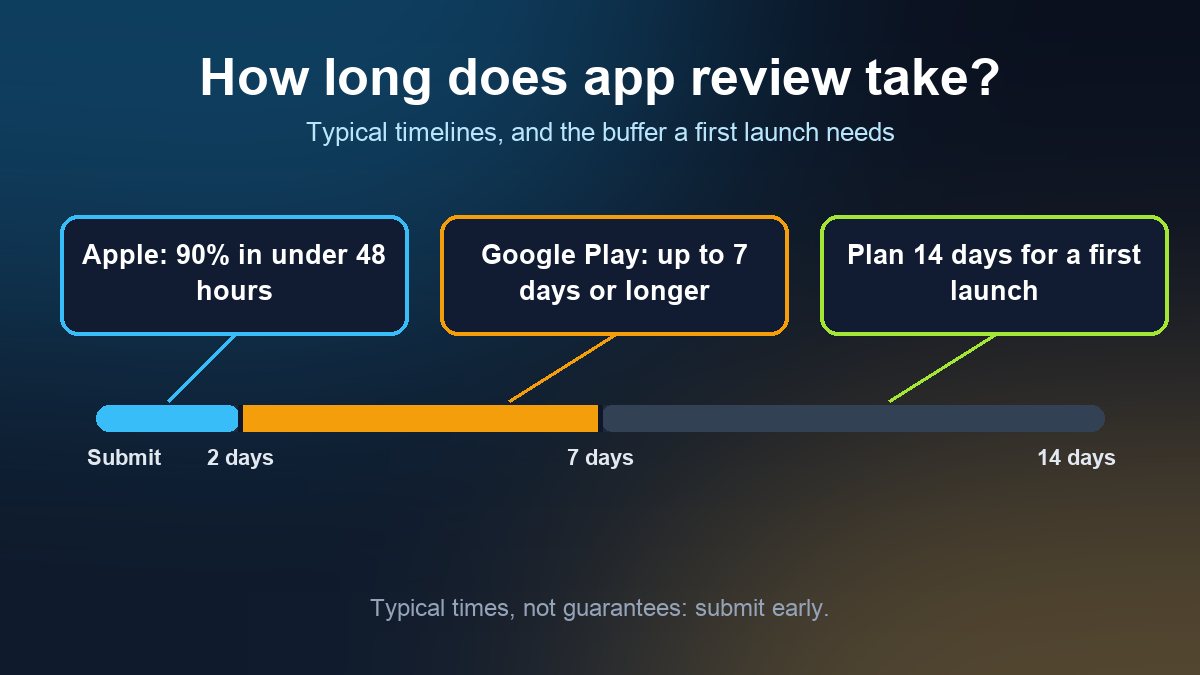
Short answer: Apple says App Review typically looks at at least 50% of submissions in under 24 hours and 90% in under 48 hours. Google Play does not publish a typical time, and says that for certain developer accounts it takes more time to review an app thoroughly, which can mean up to seven days or longer in exceptional cases. Both are "typical", not promises, so a first submission should never be the last item on your launch plan. Build in at least a week of slack, and more if a first-time account, a holiday promotion or a fixed event date is involved.
This guide is for small business owners in the US, UK, Canada and Australia who have an app almost ready and need to name a launch date. It explains what each review status means, what actually slows a submission down, and how to schedule around it. Sources are listed at the end and were checked on 2 November 2026.
How long does Apple App Review take?
Apple's own App Review page says the team works around the clock and typically reviews at least 50% of submissions in less than 24 hours and 90% in less than 48 hours. You are notified by email when the status changes. That is the number to plan around for a normal submission, and it is a statement about the large majority, not a guarantee for yours.
Approval is also not the same as being live. After a version is accepted, it can still be waiting on you or on processing:
- Waiting for Review: Apple has received the submission but has not started. You can still edit some information or remove the build from review, but you cannot upload or edit screenshots or app previews.
- In Review: App Review is looking at the app. You can still remove the build from review.
- Pending Developer Release: the app was accepted, but you chose manual release and still have to release it. Nothing is wrong; the app is waiting for your click.
- Processing for Distribution: the app is processing and, according to Apple, will be ready for distribution within 24 hours.
- Ready for Distribution: accepted and available. Apple notes that your agreements must be in effect, and the account holder can accept the latest ones in the Business section.
- Rejected / Metadata Rejected: App Review did not accept the build or the listing text. Read the message in App Store Connect, fix the issue and reply or resubmit.
So the honest range for "I pressed submit" to "customers can download it" is typically a day or two of review plus up to a day of processing, longer if the first review comes back with a question. If you have not submitted before, our step-by-step guide to submitting to the Apple App Store walks through the screens in order.
How long does Google Play review take?
Google's Play Console Help says that whether you are publishing for the first time or making an update, your app's publishing status shows where it stands. It also notes that for certain developer accounts Google takes more time to review the app thoroughly, which may result in review times of up to seven days or longer in exceptional cases. Google does not say which accounts, so treat a brand-new developer account as a case where the longer window is plausible.
Two Google Play details are useful for planning:
- Standard publishing is the default. Updates to existing apps are processed and published as soon as possible once approved.
- Managed publishing lets you control exactly when approved changes go live. Use it when the update has to appear on a specific day, such as the start of a sale.
Google lists the statuses as Draft (never submitted), In review, Update rejected or App rejected (when going from Draft to Published), and Available once live. The Play Console steps, including testing tracks and the data safety form, are in our guide to publishing an app on Google Play.
What slows a review down
Most delays are caused by the submission, not by the queue. These are the ones worth checking before you press the button.
- An incomplete app. Apple says that, on average, over 40% of unresolved issues relate to Guideline 2.1, App Completeness, which covers crashes, placeholder content and incomplete information. Test the exact build you upload, on a real phone, and remove "lorem ipsum" text and test menu items.
- Missing review information. If your app needs a login, give the reviewer a working demo account and short instructions in the App Review Information section. Apple warns that leaving it out can delay review and cause a rejection.
- Unanswered questionnaires. In its July 9, 2026 news post, Apple said the age rating questionnaire now includes questions about social media capabilities, and that beginning in September 2026 responses are required when submitting new apps or updates. Open the questionnaire early and answer every question.
- Privacy and data answers that do not match the app. Declare what the app and its SDKs actually collect, because a mismatch invites questions from the reviewer. Our guide to Apple privacy labels and Google Play data safety shows how to fill both in.
- Several near-identical apps. Apple says submitting several apps that are essentially the same ties up App Review and risks them not passing, and asks developers to combine them into one. This matters if you were thinking of one app per branch or per location.
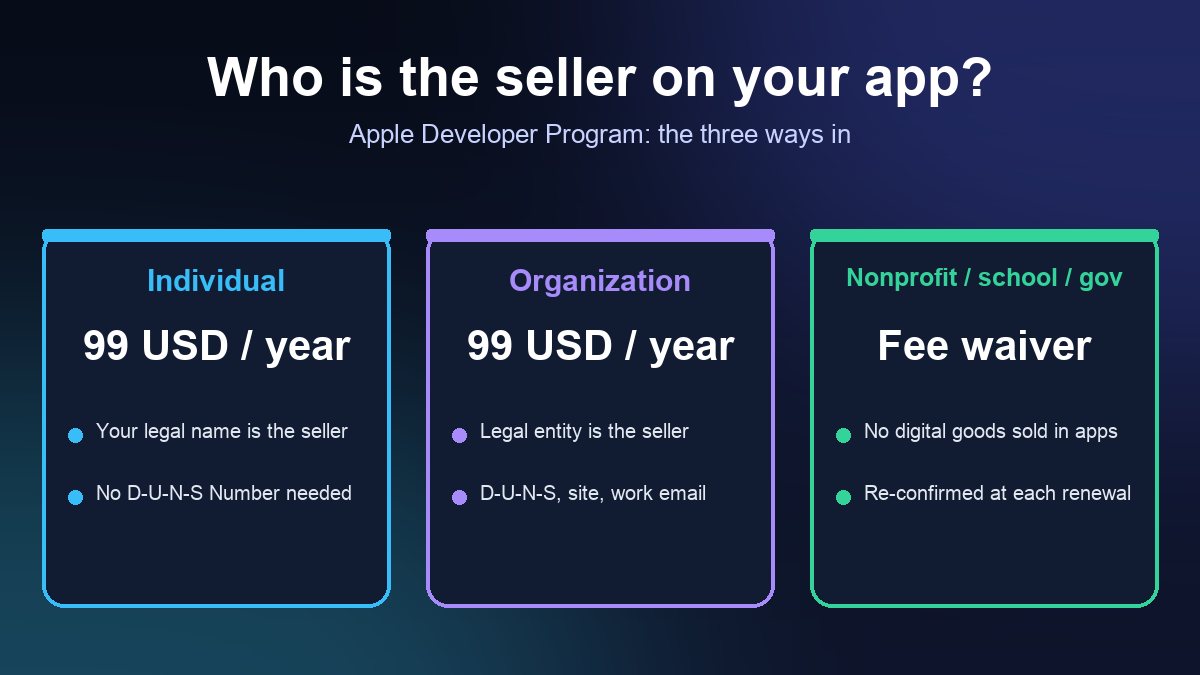
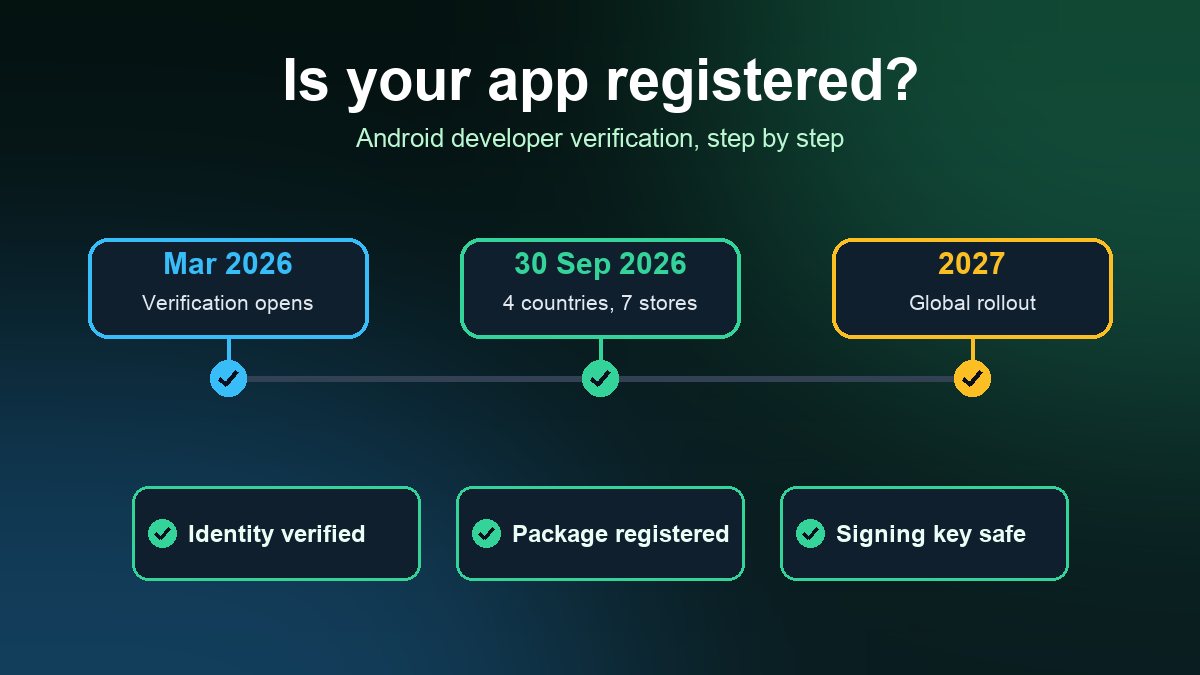
- Account and verification gaps. An enrollment or verification step that is still open can stall your plans before review even starts. See how to enroll a business or nonprofit with Apple and, for Android, the Android developer verification guide before you plan dates.
Can you speed a review up?
Only in narrow cases. Apple allows expedited review requests for extenuating circumstances, with two examples: fixing a critical bug in your app (include the steps to reproduce it on the current version) and releasing an app that coincides with an event you are directly associated with (include the event, its date and your connection to it). Apple's own advice for event apps is to plan and schedule the release in App Store Connect rather than rely on an expedite. A marketing deadline, a menu change or a "we told customers Friday" promise is not one of the stated reasons.
If your update fixes a bug and Apple finds another issue during review, a bug fix submission can sometimes be approved now with the additional issue resolved in your next submission, provided there are no legal or safety concerns. You accept by replying to the offer message in App Store Connect.
Plan around the US holiday rush
Black Friday is on 27 November this year, and many US businesses want a holiday ordering feature, gift card flow or seasonal menu live before then. Apple has flagged the busiest period before. In a December 2, 2024 developer news post it said App Review would keep accepting submissions through the holidays, asked developers to submit time-sensitive items early, and said reviews might take longer from December 20 to 26. That was last year's notice, and Apple's Developer News page is where this year's notice would appear, so check it in early December.
A practical rule, which is our suggestion and not Apple's: if the app or update must be live for a holiday date, submit it two weeks beforehand, so that a single rejection and resubmission still lands in time.
A launch timeline that survives one rejection
Work backwards from the day you want customers to download the app. These buffers are our suggested planning numbers, not official ones:
- 14 days before: upload the final build, finish the listing, answer the age rating, privacy and data safety forms, and submit to Apple and Google. If this is your first release on either store, treat this as the latest sensible date.
- 10 to 12 days before: expect the first decision. If the answer is a rejection, you have time to fix and resubmit twice.
- 7 days before: an approved app is waiting. On Apple, choose manual or scheduled release so it does not go live early; on Google Play, consider managed publishing.
- Launch day: release, confirm the live listing on a phone that is not signed in to your developer account, and only then announce. Our app launch checklist for small businesses covers what to check on the day.
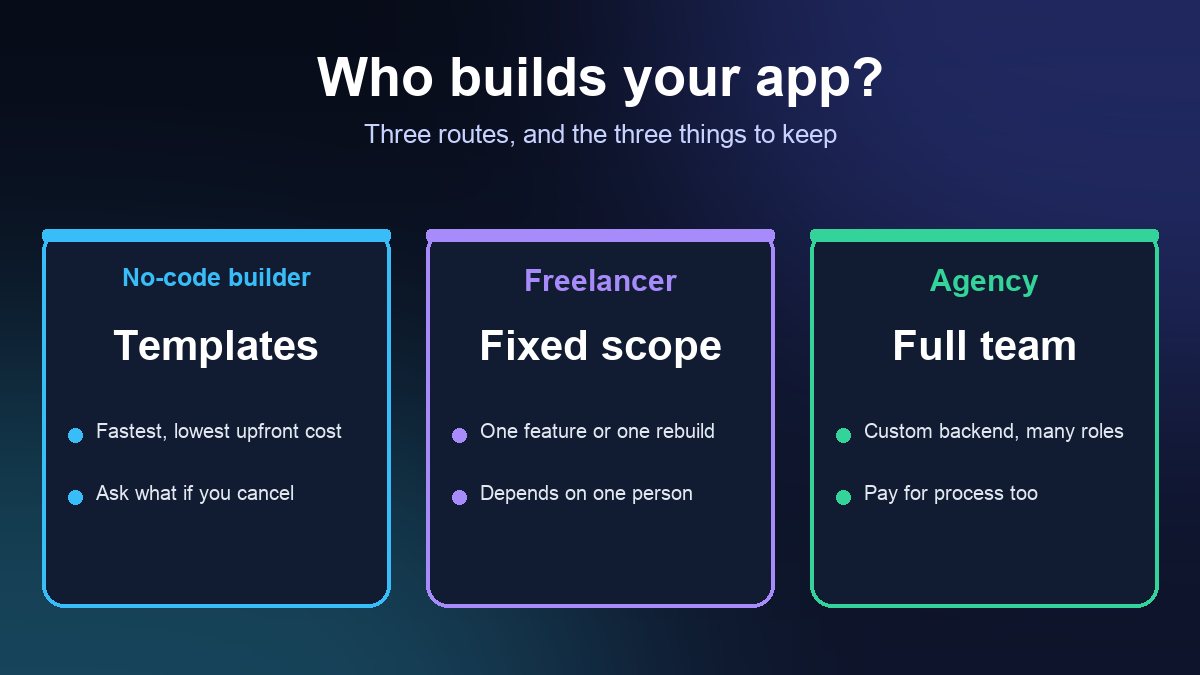
If your app is built with a no-code platform, ask the vendor before you start who submits the app and whose developer account it goes under, because that decides who sees the reviewer's messages and how quickly a question gets answered.
What to do if a submission looks stuck
- Check the status first. "Waiting for Review" means Apple has not started; "Pending Developer Release" means you need to release it.
- Check your email, including the account holder's, and the App Review section in App Store Connect for a message that needs a reply.
- If it has sat well beyond Apple's typical window with no message, use the Contact Us page on the Apple Developer site rather than guessing. On Google Play, use the Help page in Play Console.
Sources: Apple Developer, App Review; Apple, App and submission statuses; Apple Developer, Latest News (July 9, 2026 age rating post; December 2, 2024 holiday post); Google, Publish your app, Play Console Help. All pages checked 2 November 2026.
Frequently asked questions
How long does App Store review take?
Apple says App Review typically reviews at least 50% of submissions in less than 24 hours and 90% in less than 48 hours. After approval an app can spend up to 24 hours in Processing for Distribution, and it stays in Pending Developer Release until you release it if you chose manual release.
How long does Google Play review take?
Google does not publish a typical time. Its Play Console Help says that for certain developer accounts it takes more time to review an app thoroughly, which can mean up to seven days or longer in exceptional cases, so allow a week for a first submission.
Can I speed up app review before a launch date?
Apple accepts expedite requests for extenuating circumstances such as a critical bug fix or an app tied to an event you are directly associated with, and recommends scheduling the release for event apps. A marketing deadline is not one of its stated reasons, so submit early instead.