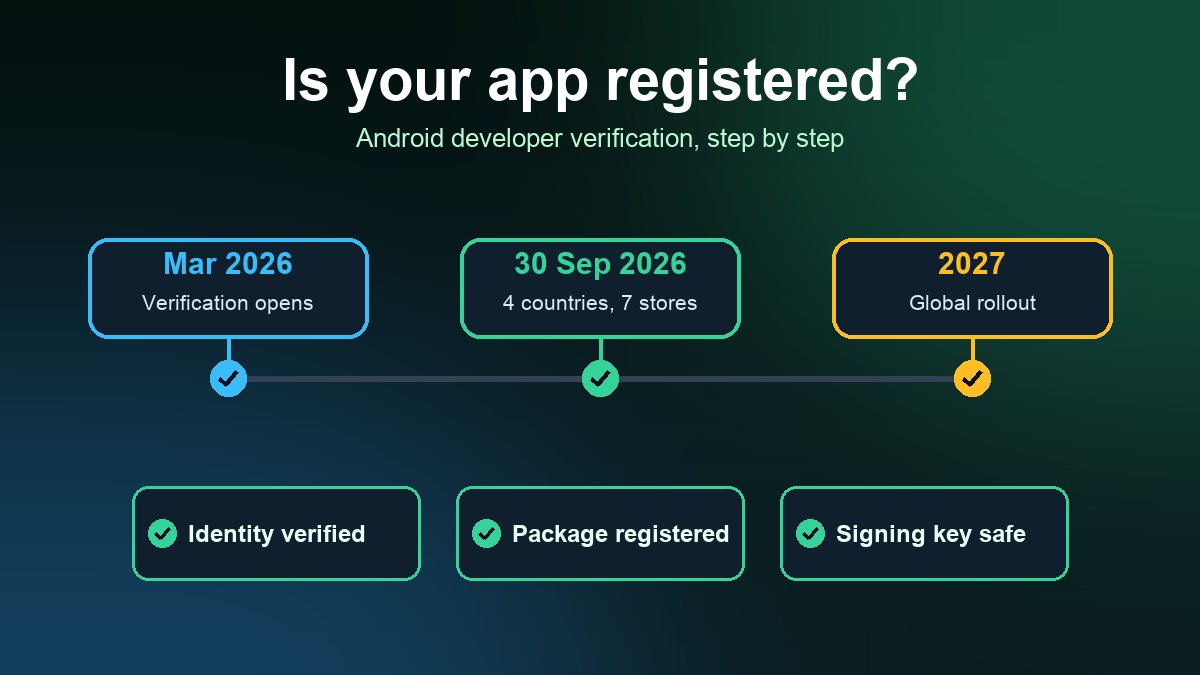
Short answer: Since 30 September 2026, Google requires apps installed through seven participating Android stores, including Google Play, to be registered by a verified developer, but so far only for users in Brazil, Indonesia, Singapore and Thailand. Google says the requirement expands to all certified Android devices worldwide in 2027. If your small business app is on Google Play, open Play Console now and confirm it shows as registered. If it is not, register it before the global rollout reaches your customers.
This guide explains what changed, who is affected, what it costs and what to ask your app builder. It is a practical summary of Google's own documentation, not legal advice. Check the dates and country list on Google's pages before you act, because Google says they can change.
What Android developer verification actually is
Google describes Android developer verification as a way to link real-world identities, individuals or organizations, to the apps they publish. Its stated reason is security: scammers push people to install malware, and when one anonymous app is taken down they publish another. Requiring an accountable identity makes that cycle harder.
It has two parts, and both matter for you:
- Identity verification. The person or company behind the developer account proves who they are.
- Package name registration. Each app's package name (the unique ID such as
com.yourbusiness.app) is linked to your signing key, which proves you own the app.
Google is explicit that this is not the end of sideloading or of distributing outside Google Play. Its FAQ says Android remains an open ecosystem and that as long as your apps are registered, your users' install experience stays the same.
What changed on 30 September 2026, and what comes next
The first enforcement phase covers installs through these stores: Google Play, HONOR App Market, OPPO App Market, Samsung Galaxy Store, Transsion Palm Store, vivo V-Appstore and Xiaomi GetApps. It applies to users on certified Android devices running Android 7 or higher in Brazil, Indonesia, Singapore and Thailand. Google's FAQ says an unregistered app cannot be installed from those stores on those devices.
Three limits are worth knowing, because many articles blur them:
- Other channels are not covered yet. Google's FAQ says the September deadline applies only to the participating stores. If you distribute through another store or a direct download, the requirement does not apply to your app yet, though Google recommends completing verification before the 2027 global rollout.
- The US, UK, Canada and Australia are not in the first phase. Google has only said the requirement expands globally in 2027 and has not given an exact date in the pages we checked.
- Google Play registration is separate from the device rule. Google told Play developers to register their Play apps by 30 September 2026 to avoid removal from Google Play. About 99% of Play apps were registered automatically, but the rest need a manual step.
So a US restaurant or gym with only local customers is not blocked today. But an app that is unregistered when the global phase starts could stop installing or updating on new customers' phones, and a Play listing that Google considers unregistered is at risk right now. Doing the registration early costs little. Doing it under pressure, with a missing signing key, costs a lot.
Step 1: Find out which account publishes your app
Verification attaches to the developer account that publishes the app. For a small business using a no-code app builder, there are usually two setups, and you should find out which one you have:
- Your own developer account. You (or your builder on your behalf) uploaded the app to Play Console under an account in your business name. Verification is yours to complete.
- The builder's or agency's account. Your app is published under their identity. Then the verified identity is theirs, and you depend on them to keep it current.
Ask your builder in writing: which Google Play developer account publishes our app, who owns it, and who holds the app signing key? If the answer is "our account, we handle it," ask them to confirm the app shows as registered. If you want the app under your own name, our guide to publishing an app on Google Play covers setting up your own account, and the app store fee guide covers the costs involved.
Step 2: Check registration status
Google lists three places where you can see whether a package is registered:
- Google Play Console. The Android developer verification page shows the registration status next to each app, and the Play Console Home page prompts you about unregistered apps.
- Android Developer Console. The Package names tab lists each package as Registered, Not registered or Draft. This is for apps distributed only outside Google Play.
- Android Studio. If a developer on your team or agency builds the app, Studio shows registration status when generating a signed bundle or APK (Panda 4 and higher).
Which console to use depends on how you distribute. According to Google's guide: apps only on Google Play use your existing Play Console account; apps both on and off Play also use Play Console, which has new tools for registering apps and keys outside Play; and apps only outside Google Play need an account in the Android Developer Console.
Step 3: Choose the right account type
Google offers two kinds of account in the Android Developer Console:
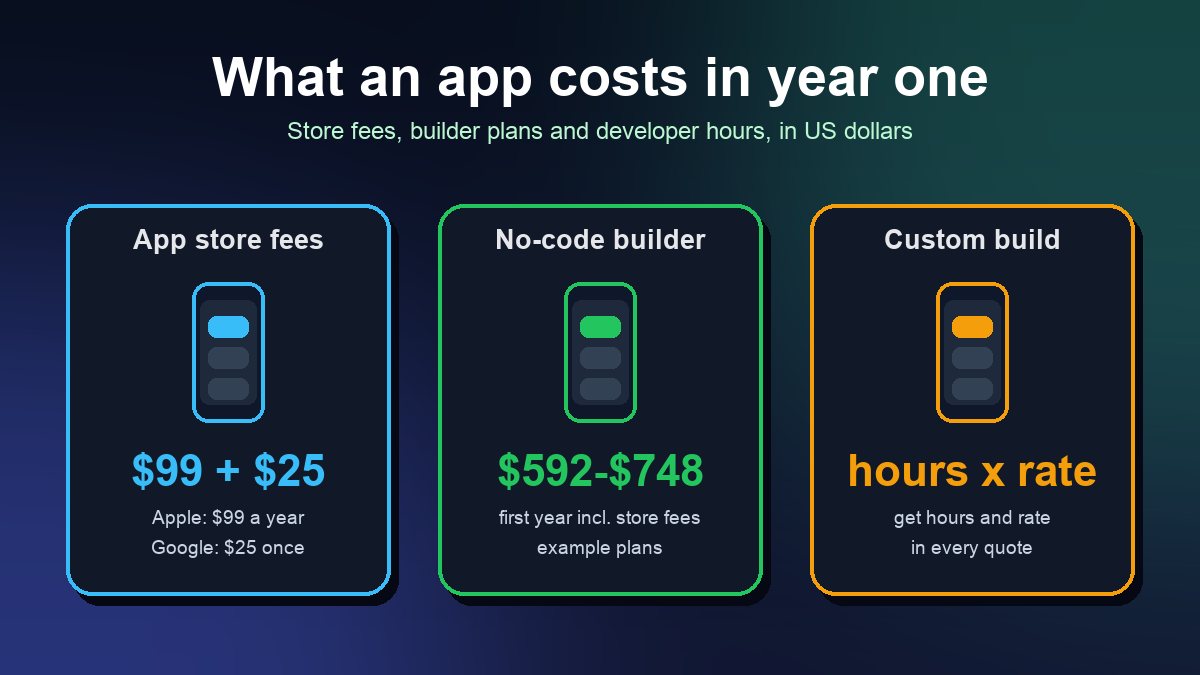
- Full distribution. For businesses and professional developers. It allows unlimited apps and installs, requires identity documents, and Google's FAQ lists a $25 fee, which it compares to Play's own $25 registration fee. Google says it takes about 10 minutes if you have everything ready.
- Limited distribution. Free, with no government ID, but meant for students, hobbyists and learners sharing apps with a small number of authorized devices. It is not a route for a customer-facing business app. Google's documentation gives different device limits on different pages (20 in the FAQ, 50 on the account page updated 28 October 2026), so check the console for the current number. You can upgrade a limited account to a full one, but not the other way round.
If your business app is for customers, plan on full distribution, or on Play Console if you publish through Google Play.
Documents to prepare
For an individual, Google asks for a government-issued photo ID and a proof-of-address document, plus a private email and phone number verified with a one-time code. For an organization it adds:
- A D-U-N-S number, a free nine-digit business identifier from Dun & Bradstreet. Google's FAQ warns that getting one can take up to 28 days, so start this first if you do not have one.
- A website verified in Google Search Console for the organization.
- Official organization documents. For US organizations Google gives examples such as an IRS letter naming the organization, a certificate of incorporation, a recent SEC filing or a business credit report. Requirements in other countries may differ.
The legal name on your documents should match the name on your developer account, your website and your privacy policy. Mismatches are the most common reason identity checks stall, so fix them before you apply.
Step 4: Protect your signing key
Package registration links your app to the SHA-256 fingerprint of your signing key. To register an existing app outside Play, Google's console asks you to sign an APK with your private key and upload it to prove ownership. Two details save small teams a lot of grief:
- Play App Signing helps. Google's FAQ says apps that use Play App Signing are claimed automatically, because Google already holds the information needed to identify ownership.
- A lost key can block registration. Google says that if you lose your signing key you will not be able to register your packages. If an outside developer built your app, make sure you hold a copy of the key, or that the app uses Play App Signing under your account.
If another developer already uses your package name, Google decides by install share: a key with more than half of known installs has priority, then keys with 50 or more installs, then first come, first served. Using a package name tied to your own domain makes disputes less likely.
What happens if you do nothing
Google's FAQ is direct: if you do not verify your identity and register your apps, they cannot be installed from participating stores in the enforced regions on certified devices. People who are determined can still install through the advanced flow or the Android Debug Bridge (adb), which stays available for developers. But the advanced flow adds security checkpoints, and ordinary customers are unlikely to go through it to reach a restaurant ordering app or a salon booking app. Treat it as a power-user route, not as your distribution plan. Apps distributed through an organization's own managed store on managed devices do not need to complete verification, although Google recommends registering them anyway.
A 30-minute checklist for small business owners
- Ask your builder or agency which Play developer account publishes your app and who owns it.
- Open Play Console, check Home and the Android developer verification page, and register anything not marked registered.
- Confirm the account holder's legal name matches your business documents and website.
- If you are an organization without a D-U-N-S number, request one now.
- Confirm who holds your app signing key, and whether Play App Signing is on.
- If any customers are in Brazil, Indonesia, Singapore or Thailand, treat the deadline as passed and fix it today.
- Put a reminder in your calendar for Google's 2027 rollout announcement.
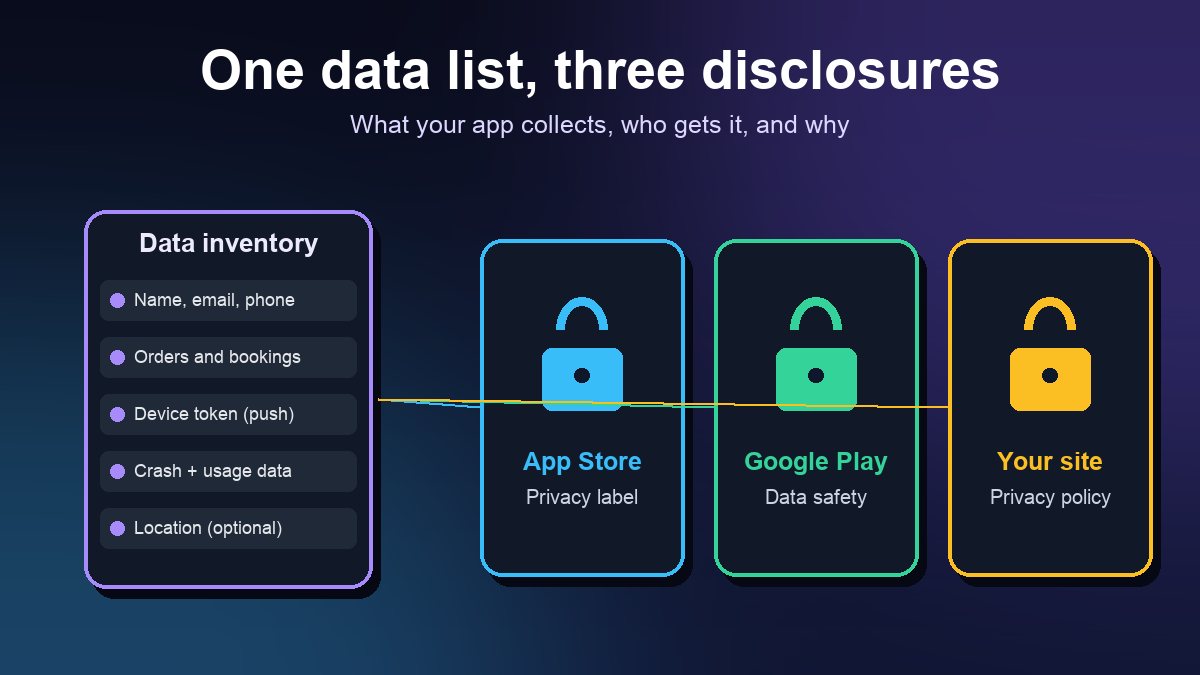
Verification sits alongside the other store requirements you have to keep current, such as privacy disclosures. If you have not reviewed those, see our guide to privacy labels and Data safety forms. For the full list of steps before an app goes live, use the app launch checklist for small businesses. And if you are choosing a builder, ask about publishing and ownership up front when you compare app builder platforms. If you are still deciding whether you need an app at all, read why a business might need a mobile app first.
Sources: Android Developers, Android developer verification, guide, FAQ, full distribution, limited distribution and Android Developer Console; Android Developers Blog, Android developer verification: Building a safer ecosystem together (18 June 2026, updated 15 July 2026). All pages checked 29 October 2026.
Frequently asked questions
Does Android developer verification apply to my US business app today?
Not yet at the device level. Since 30 September 2026 it is enforced for installs through participating stores in Brazil, Indonesia, Singapore and Thailand, and Google says it expands to certified Android devices globally in 2027. Google also asked Play developers to register their apps in Play Console, so check yours now.
How much does Android developer verification cost?
Google's FAQ lists a $25 fee for a full distribution account in the Android Developer Console. Google Play developers verify through Play Console, and limited distribution accounts for students and hobbyists are free but not meant for customer-facing business apps.
Can customers still install my app if it is not registered?
Where enforcement applies, participating stores will not install an unregistered app. Users can still use adb or Google's advanced flow with extra security checkpoints, but that is a power-user route, not something to rely on for ordinary customers.